Running a supermarket or pharmacy in Nigeria is not for the faint of heart. One minute you are dealing with a supplier in Lagos, and the next minute a customer in your Abuja shop is arguing about the price of goods. At the end of the day, you sit down to calculate your money. But the cash at hand does not match the goods that left your shelf.
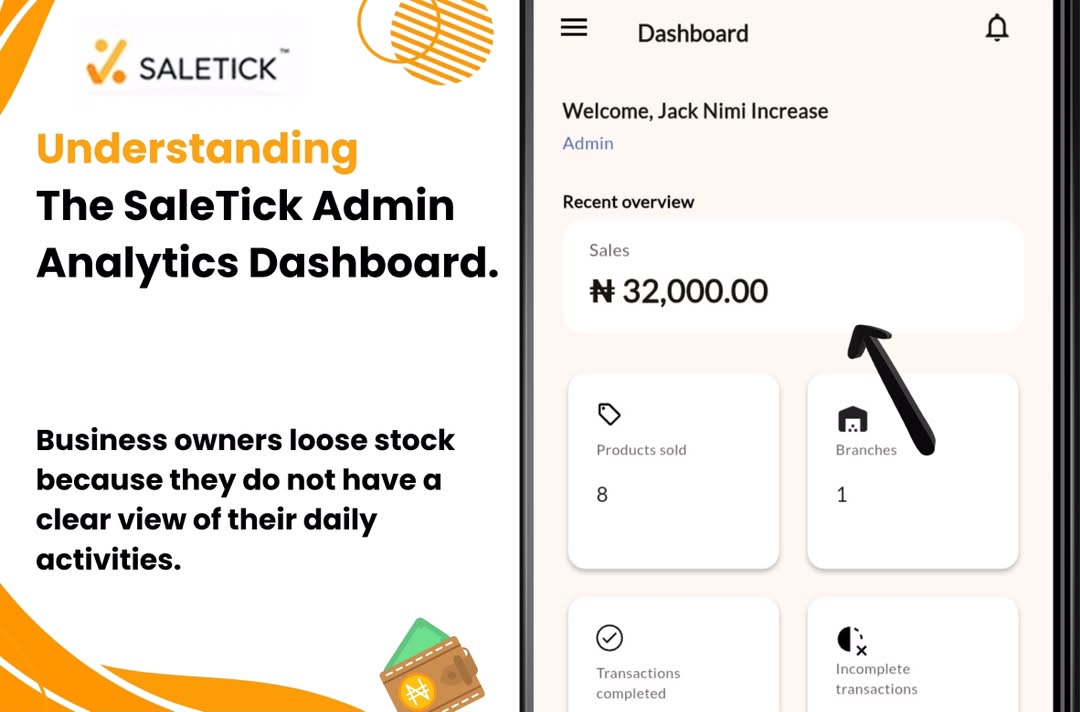
Why do business owners lose stock? Because they do not have a clear view of their daily activities. Relying on paper books and mental math is the fastest way to lose your profit. You need systems every business owner needs to survive and scale. That is exactly where SaleTick steps in to save the day.
The Components Of The Saletick Admin Dashboard
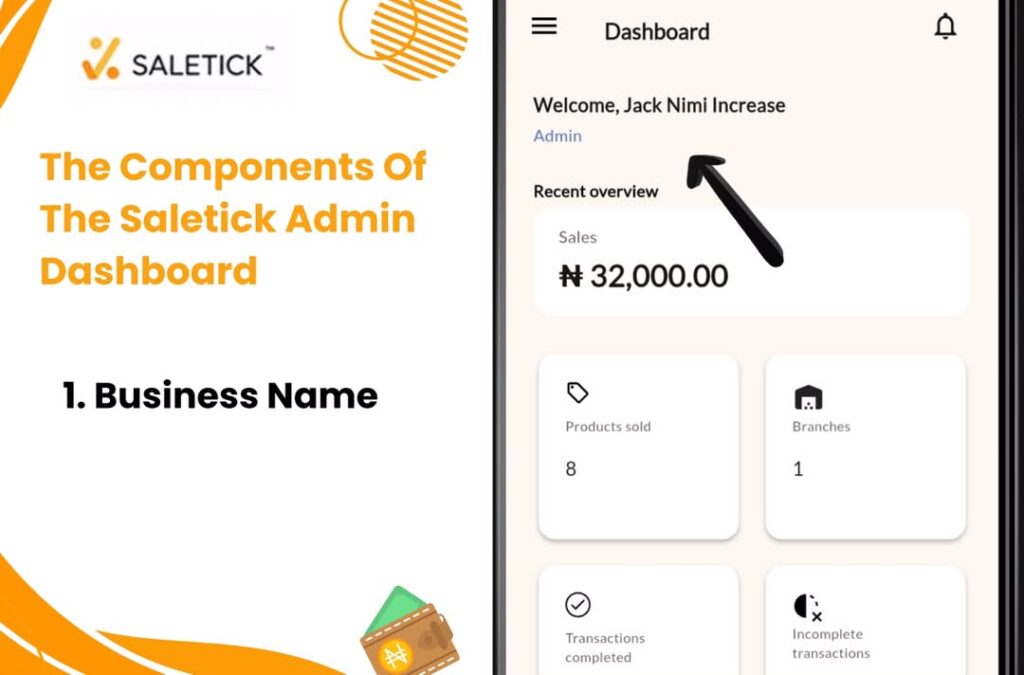
When you open the app, you land on the Home tab which displays your Dashboard. At the very top is your Business Name displayed with your status in the business, (e.g Vee Electronics Admin).
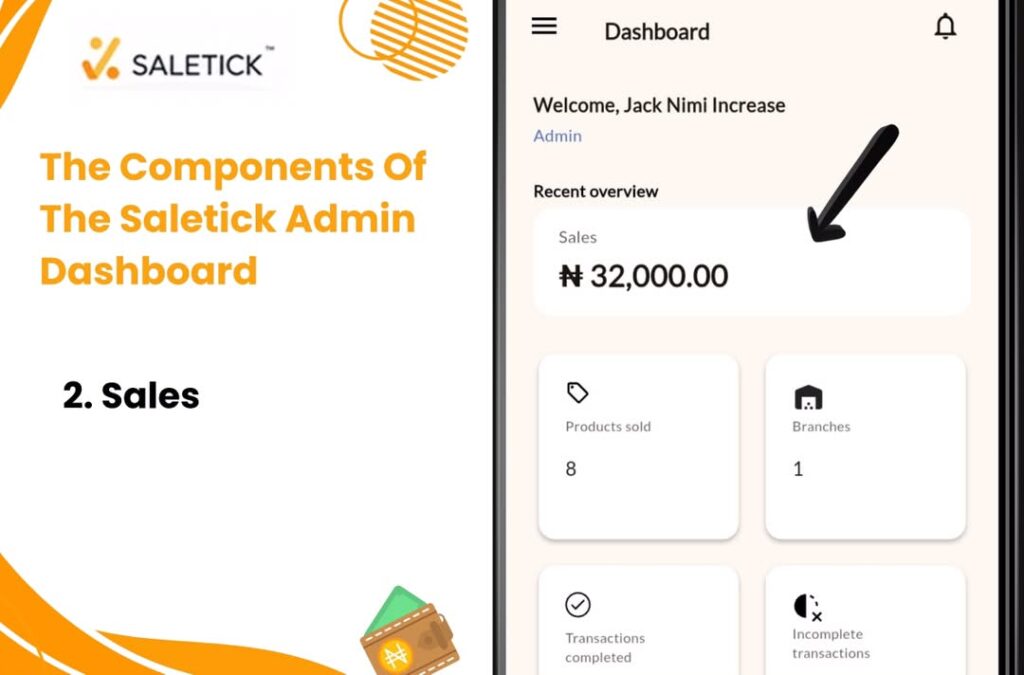
The next section is the Sales section. This section is your business control room. You get a clear, instant view of your total Sales in the currency you chose for your business. Every sale your staff makes reflects in your balance.
Right below that, you can track your Products Sold by just clicking on the widget on the home screen.
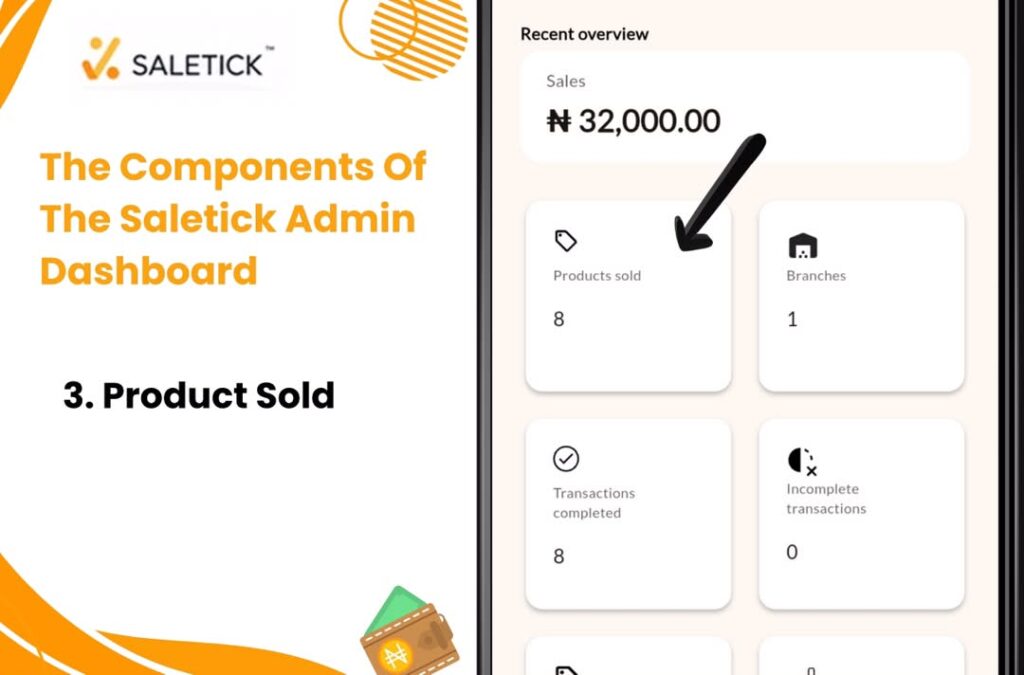
Also displayed on your dashboard, you will see how many Branches you are currently managing and monitoring the performance of each branch.
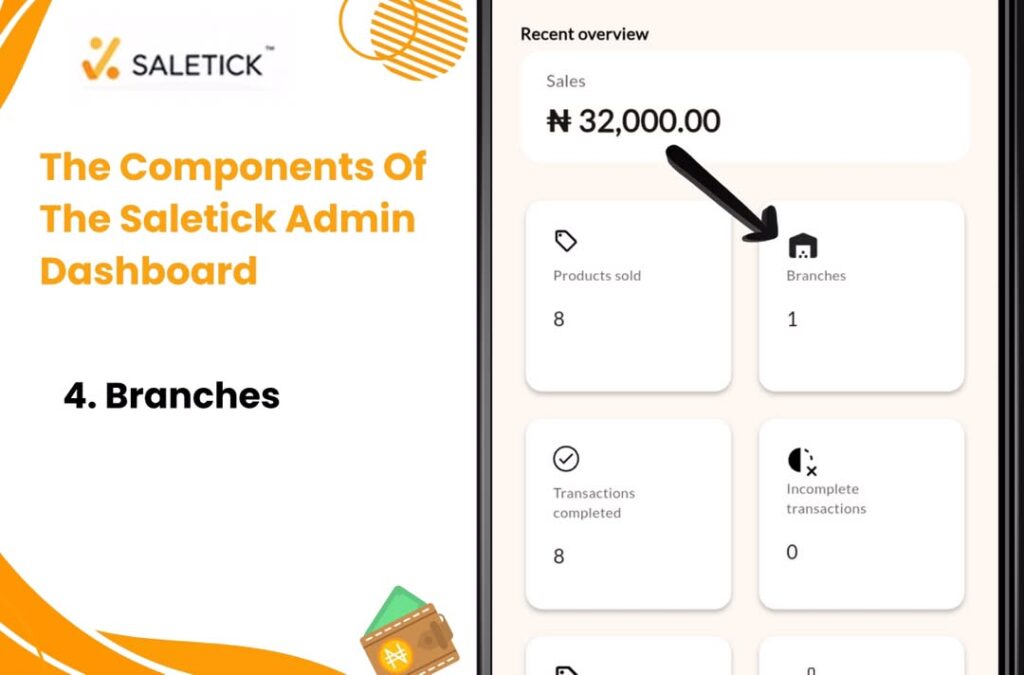
It also shows your Transactions Completed, letting you know the exact number of successful sales closed for the day.
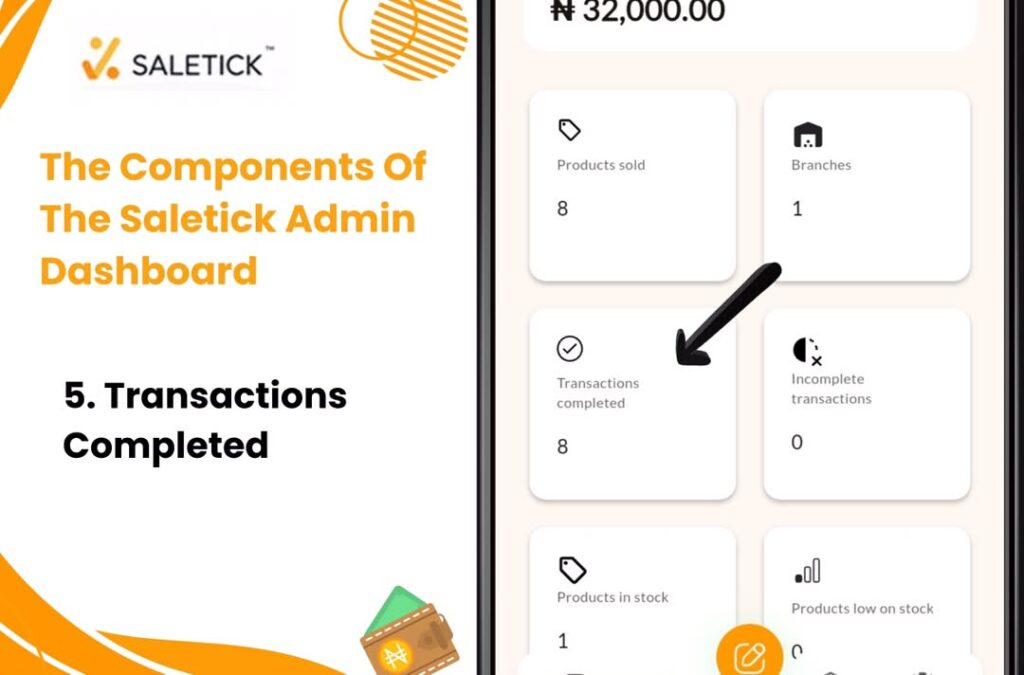
To help you avoid running out of fast moving goods, the dashboard clearly displays your Products in Stock.
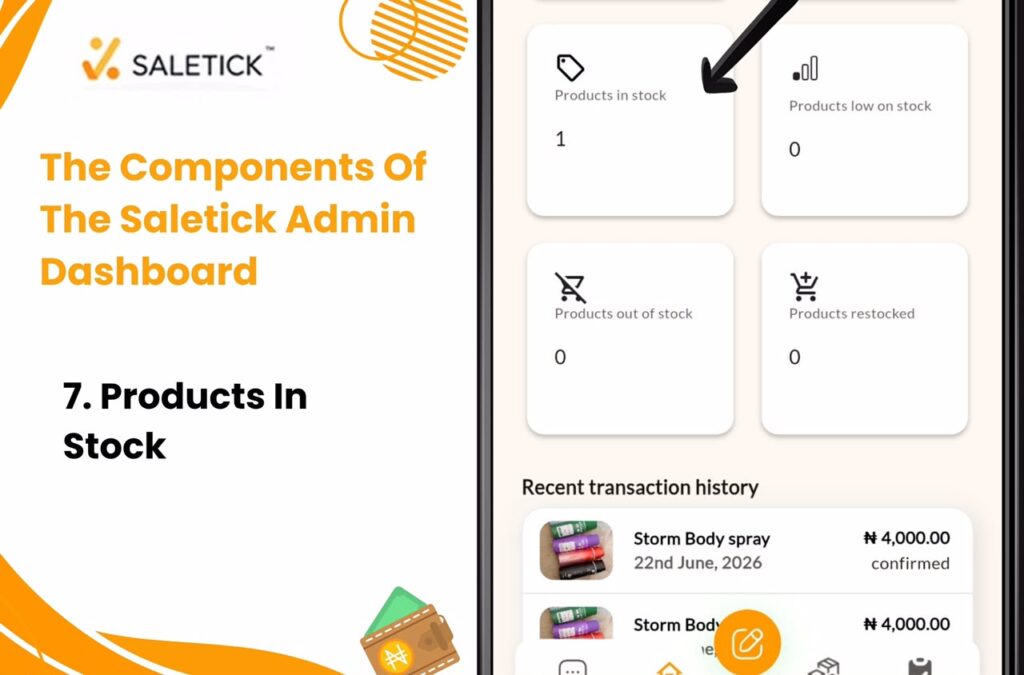
Saletick also alerts you to Products Low on Stock so you can restock before customers start asking.
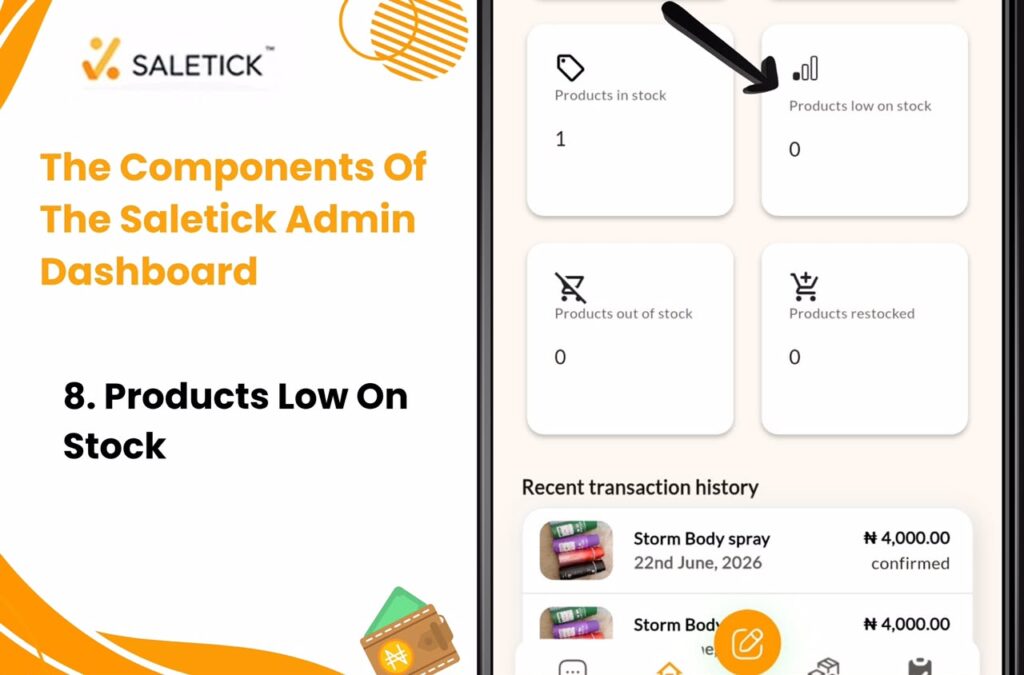
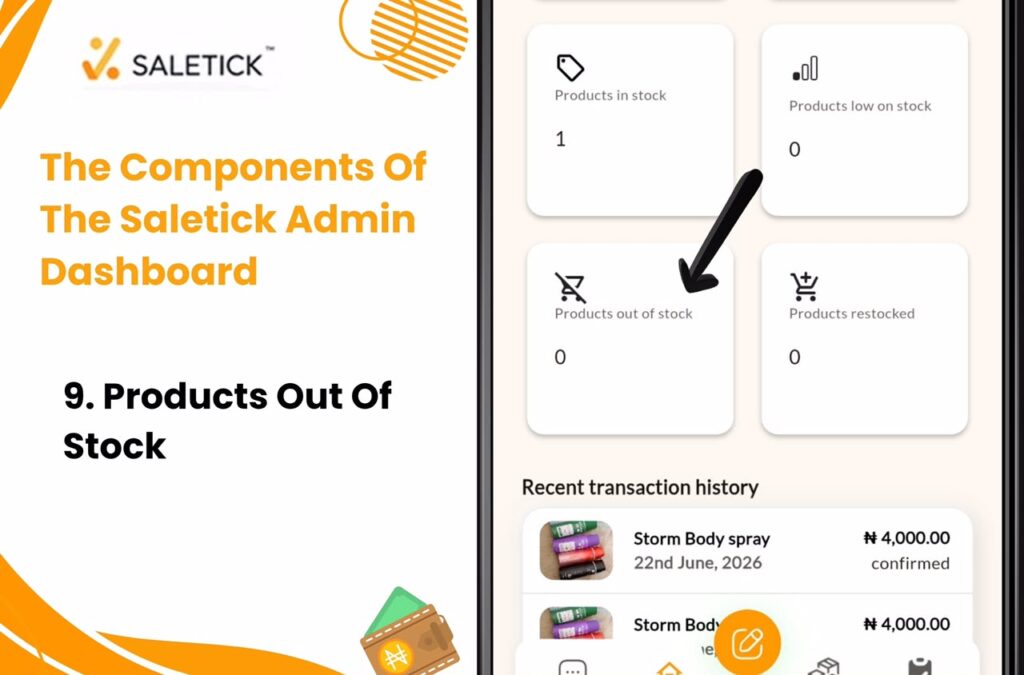
The Saletick dashboard also does something wonderful. Scrolling down you will find the Products Out Of Stock widget, this serves to inform you of products that are no longer available.
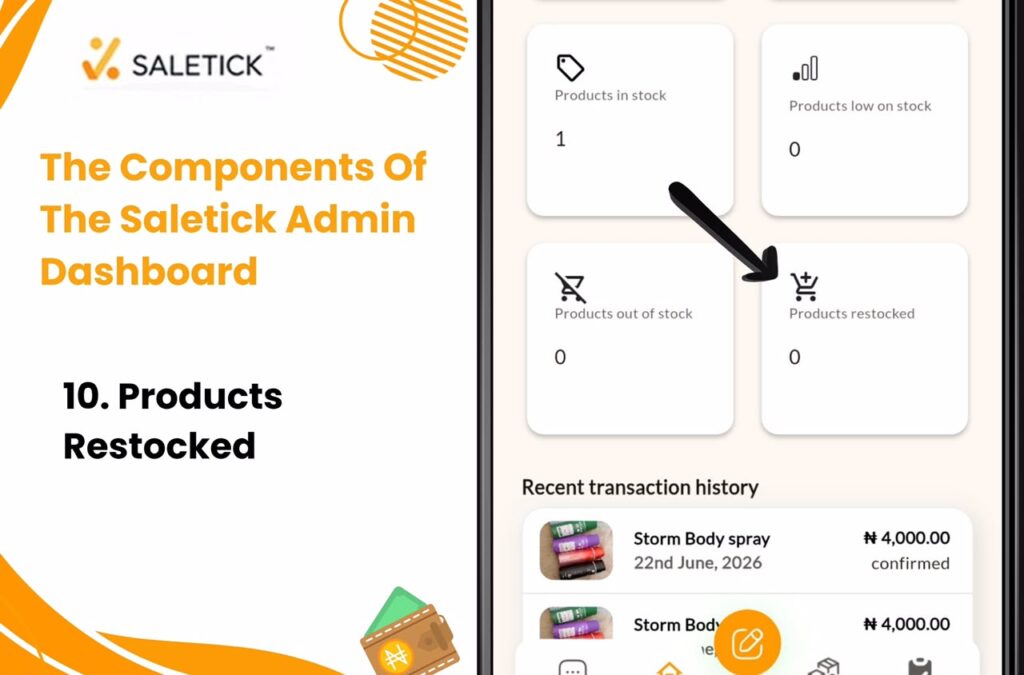
The Products Restocked Widget which serves the purpose of telling you Products which have been restocked and are available.
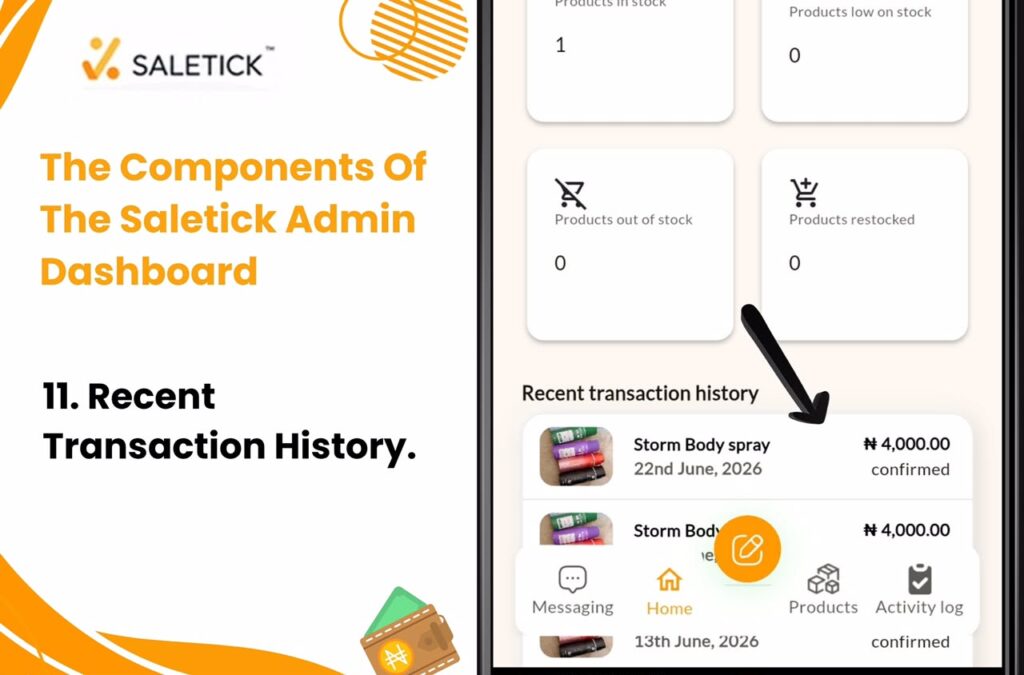
Just at the very end, you will get to see Recent Transactions being made by your staff in your business. You get all these to make sure your business scales to the highest level at no extra cost.
But let us talk about a very common problem in Nigerian retail. A customer picks up provisions, gets to the counter, and their bank network refuses to work. They tell you they are coming back with cash. Or maybe a customer drops a small deposit for a carton of drugs at your pharmacy and promises to balance you tomorrow.
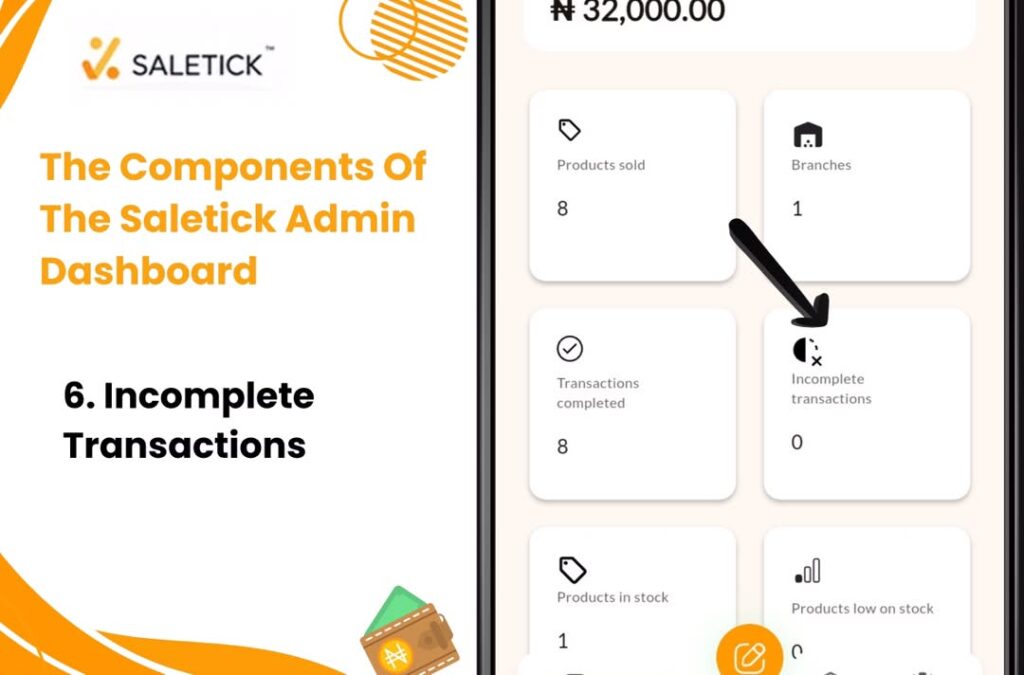
If you record this as a normal sale, your cash drawer will be short and your accounting will be completely ruined. If a product is added to cart and the customer has a change of mind on purchase or declines to follow through with the transaction, the transaction can be documented as an incomplete transaction.
If the customer’s details have also been saved (WhatsApp number or Email) in the customer interface, then you have grounds for a quick follow up.
This is why the Incomplete Transactions section on the SaleTick dashboard is so important. It helps you track transactions that are still pending.
Learn With A Practical Reference
For better understanding, watch the YouTube video in the link below;
[WATCH YOUTUBE VIDEO: Understanding the SaleTick Admin Analytics Dashboard]
You cannot grow a retail business by guessing your profit or forgetting who owes you money. You need a reliable system that tracks every single Naira and every single product on your shelf. Stop using exercise books to run your business today. Visit www.saletick.net to sign up, download the app, and start managing your inventory and sales like a real professional.