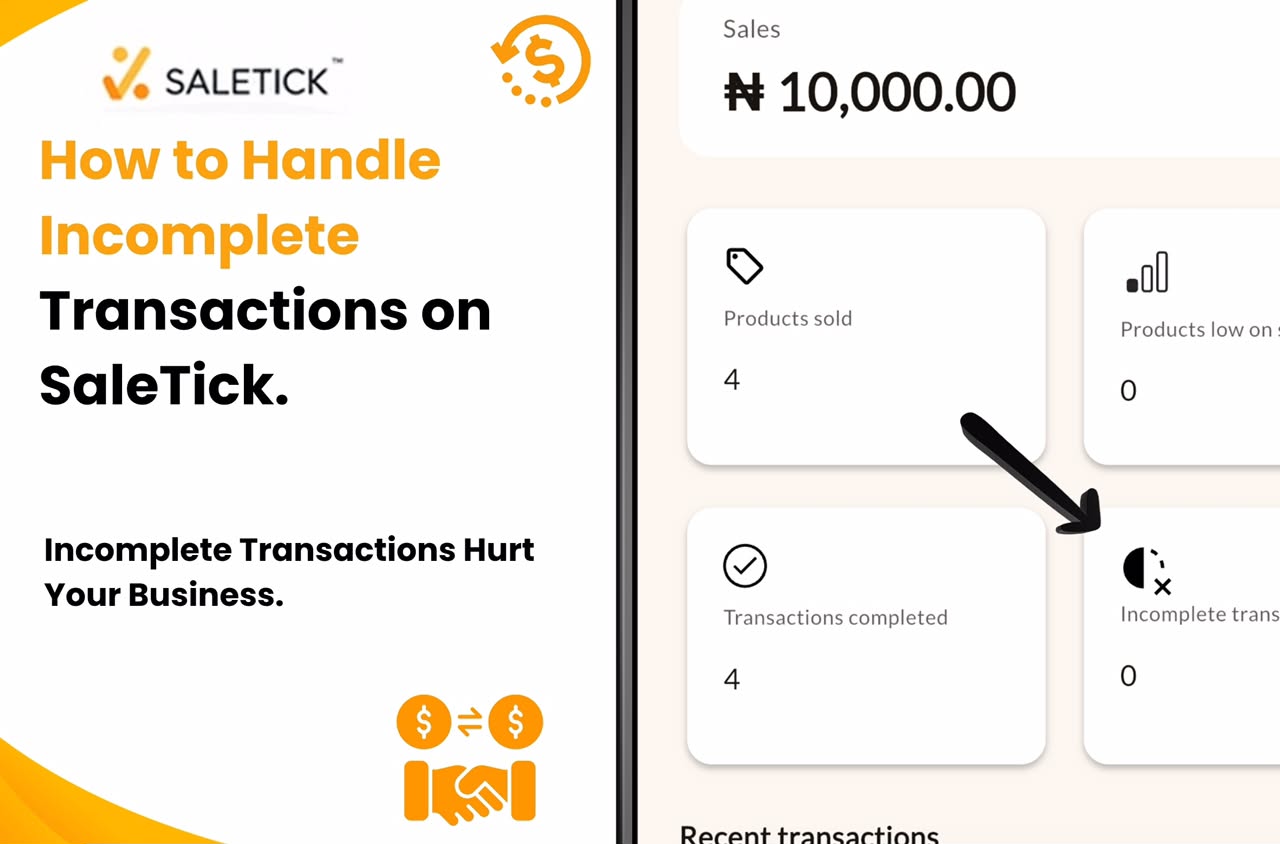
In the bustling retail environment of Nigeria, we have all faced the same frustrating scenario. A customer walks into your shop, picks out several items, and you are ready to close the sale. Then, the unexpected happens. The network fails, they get a sudden call, or they promise to send the transfer later. You are left with a half-finished order and a mental headache.
If you are still trying to manage these situations by memory or scribbling notes on random pieces of paper, you are putting your business at risk. Incomplete transactions are not just a nuisance. They are missed opportunities and potential inventory leaks. If you do not record them properly, you lose track of your stock and your potential revenue. Here is how you can handle them professionally and efficiently using the Incomplete Transaction feature on SaleTick.
Why Incomplete Transactions Hurt Your Business
When a sale is not finalized, your inventory remains in limbo. You might think an item is sold, but if the payment never hits your account, that stock is just sitting there, unavailable for other customers who are ready to pay immediately. Furthermore, relying on memory to follow up with customers is a recipe for lost revenue. In a competitive market, the business that follows up first is the business that gets the sale.
Using the Incomplete Transaction Section on SaleTick
SaleTick was built with the reality of the Nigerian SME in mind. We know that transactions here are rarely linear. That is why we designed the platform to handle the “I will pay later” culture with ease. Incomplete Transactions can be accessed by all account types on Saletick.
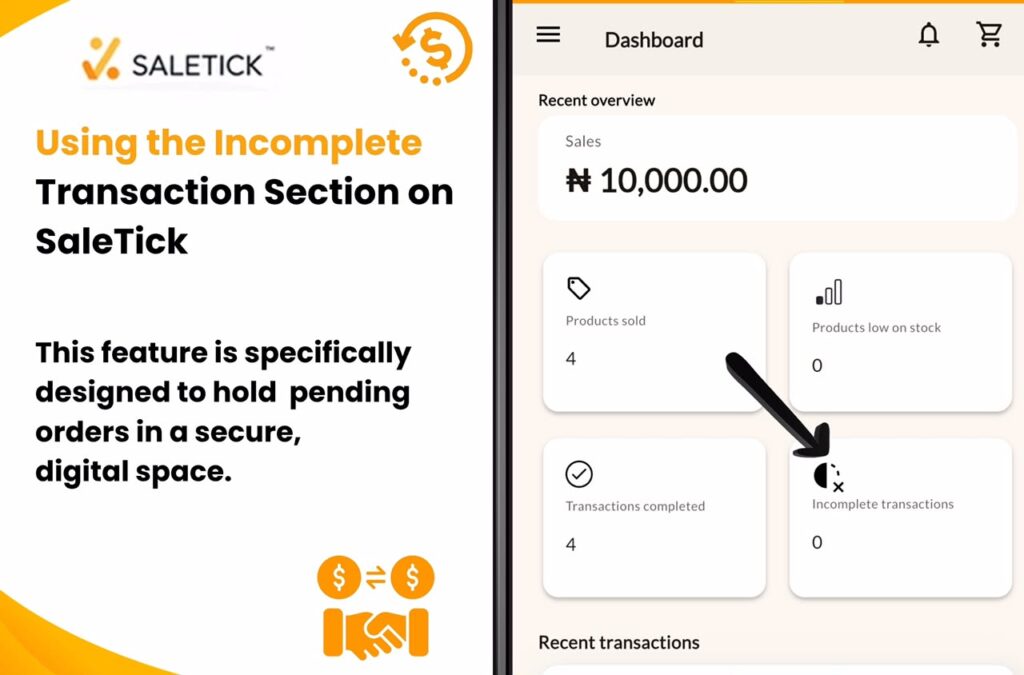
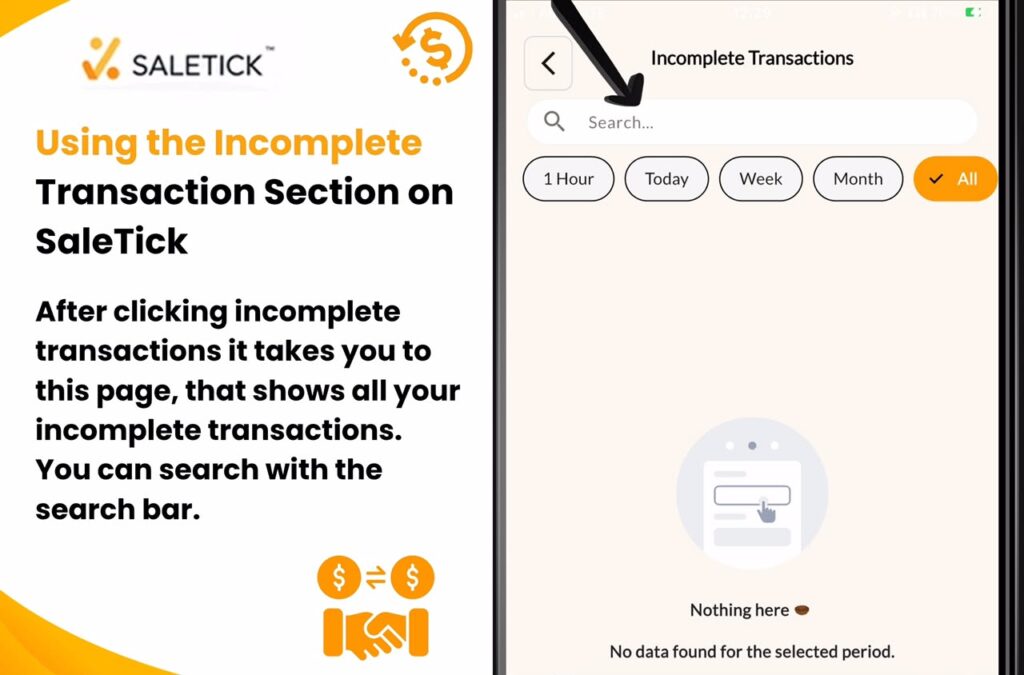
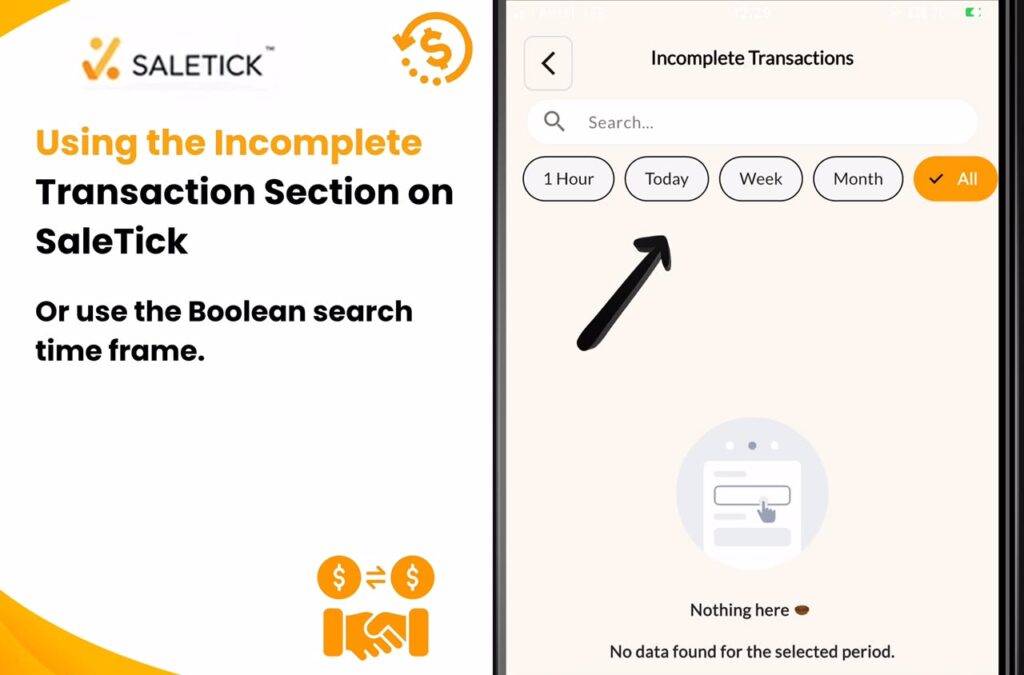
Incomplete Transactions are created when a product has been added to cart for sales but is later cancelled during recording. When you are in the middle of a sale and the customer cannot complete payment, do not just clear your cart. Instead, navigate to the Incomplete Transaction section on your SaleTick dashboard. This feature is specifically designed to hold these pending orders in a secure, digital space. You can even use the search bar to search for a particular Incomplete Transaction or use the Boolean search options to navigate for time frames (One hour, One week, A Month).
Turning Maybe Into Yes
By using this section, you are creating a digital trail. You can easily see which items are tied up in pending orders. This allows you to manage your stock levels with precision, ensuring you never tell a ready-to-pay customer that an item is out of stock when it is actually just sitting in an unpaid transaction.
Once you have saved the transaction, you have a solid foundation for a follow-up. You are no longer asking, “What did you want to buy again?” You are saying, “Hello, I have your order ready for the items you selected. Let me know when you are ready to complete the payment.” You can easily follow up if you have saved the customer on your customer interface via Email or WhatsApp Message. This level of organization builds immense trust and positions your brand as a serious, professional entity.
Watch YouTube Video On SaleTick’s Guide on Incomplete Transactions
Professionalism Wins Customers
Moving away from informal, messy tracking is the first step toward scaling your business. When you use the Incomplete Transaction feature on SaleTick, you are showing your customers that you value their business and your own time. It removes the guesswork and makes the payment process seamless.
Stop letting incomplete transactions slip through the cracks. Log into your SaleTick dashboard today, explore the Incomplete Transaction section, and take control of your sales process. Your business deserves to run smoothly, and your customers deserve the professional experience that keeps them coming back.