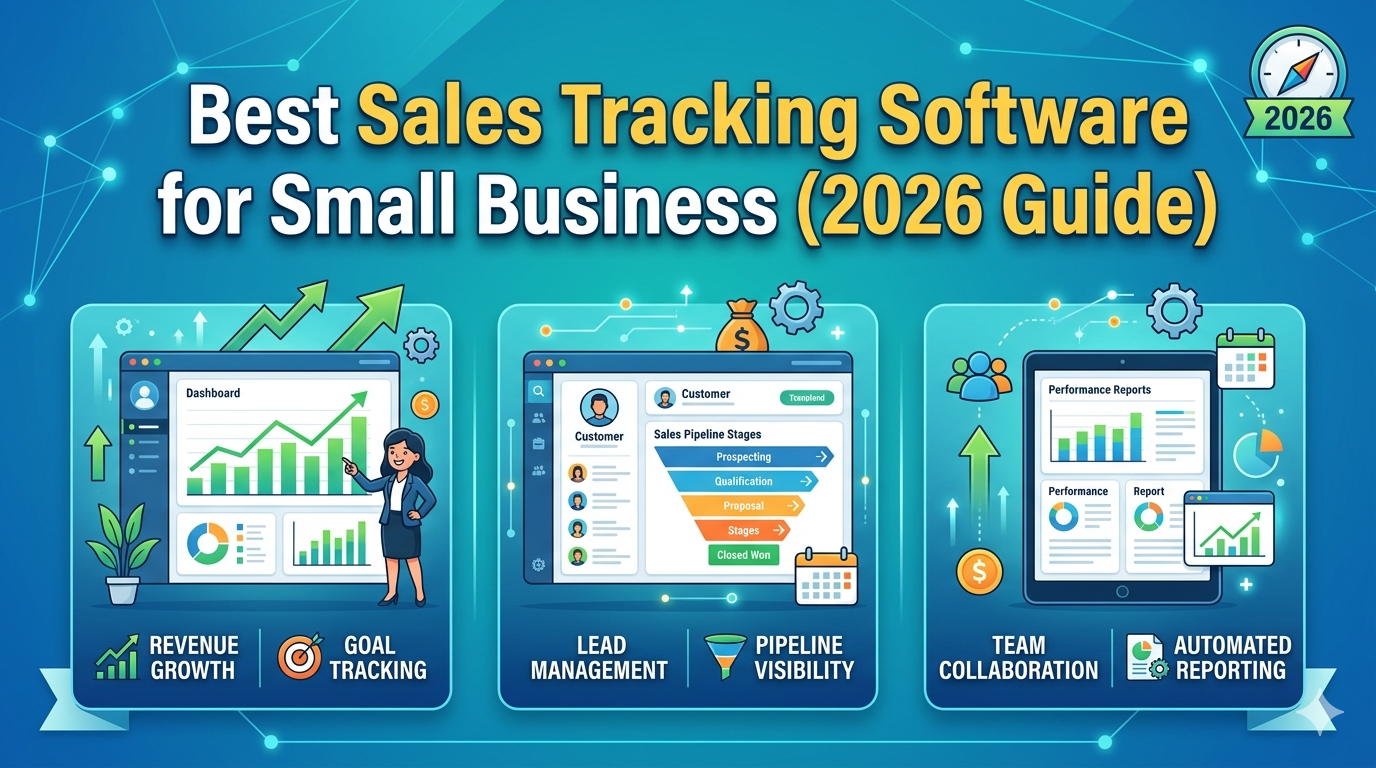
If you search for the “best CRM for small business,” you’ll find no shortage of recommendations, each one promising better sales tracking, more customers, and faster growth. But here’s what most of those guides won’t tell you: the majority of small businesses don’t actually need a full CRM.
What they truly need is a simple, clear way to track sales, understand their customers, and maintain control over daily operations. The problem is that most CRM tools weren’t designed with that in mind. They were built for sales teams managing complex pipelines inside large organisations. For a small business owner, that mismatch doesn’t create clarity — it creates confusion, bloated workflows, and eventually, abandonment.
This guide will help you understand what a CRM actually does, honestly compare your options, and find the solution that genuinely fits the way your business works.
What Is a CRM (Customer Relationship Management System)?
A CRM — short for Customer Relationship Management system — is a tool designed to help businesses manage customer interactions, track leads and deals, store contact data, and monitor where prospects are in a sales pipeline. In simple terms, it’s a system built to help you manage relationships and close deals more consistently.
That sounds universally useful, and in the right context, it is. But the key phrase is right context.
Why Small Businesses Start Looking for a CRM
Most business owners begin researching CRM tools when they notice specific pain points: customer data is scattered across spreadsheets and inboxes, follow-ups are slipping through the cracks, sales tracking feels chaotic, or they simply want better organization. These are completely valid problems — but here’s where many business owners make a costly mistake. They assume that a full CRM is the only solution to these problems, when often, it isn’t.
The Real Problem With Most CRM Tools
Let’s be direct about something the glossy product pages won’t tell you.
Most CRM tools are genuinely too complex for a small business. They come loaded with multi-stage pipeline tracking, automation workflows, and team collaboration features that are incredibly valuable for a 20-person sales team — but overwhelming for a business owner wearing five hats at once. Beyond the feature overload, setting up a CRM isn’t as simple as signing up and getting started. You have to configure pipelines, customize fields, integrate your existing tools, and train yourself (or your team) on how to use it. That takes real time and energy.
Then comes the maintenance problem. A CRM only works if it’s updated consistently. If you don’t log every call, every email, every deal stage change — the system becomes stale and useless. Most small businesses don’t have the operational bandwidth to maintain that discipline, and there’s no shame in admitting that.
Perhaps most importantly, CRMs are fundamentally built around closing deals. But many small businesses need something broader: visibility into sales, inventory, customer behavior, and day-to-day operations all in one place. A CRM doesn’t solve that problem — it solves a narrower, sales-specific one.
When Does a CRM Actually Make Sense?
A CRM is the right tool when you’re actively managing multiple leads every day, you have a structured and repeatable sales process, you need to track deals through a defined pipeline, or you’re managing a dedicated sales team. If that describes your business, a CRM will likely serve you well.
But if it doesn’t — if you’re a small business owner looking for clarity and control rather than pipeline management — a CRM may genuinely be overkill.
What Most Small Businesses Actually Need
Rather than lead management and pipeline stages, most small business owners need automatic sales tracking, a clear view of customer history, real-time inventory visibility, and actionable performance insights. That’s not a CRM problem to solve — it’s a business management problem. And those two things require different kinds of tools.
The Best CRM Tools for Small Business (Honestly Reviewed)
Here’s a fair look at the most popular options, along with the context you need to make a smart decision.
HubSpot CRM is best suited for businesses that want a feature-rich starting point without an upfront cost. Its free plan is genuinely generous, and the platform scales well as a business grows. The trade-off is that it can become complex quickly, and getting meaningful value out of it does require an investment of time in setup and learning.
Zoho CRM works well for growing businesses that already have structured processes in place. It’s highly customizable and affordable relative to its feature set. However, its learning curve is steeper than most beginners expect, and it can feel overwhelming if you’re not already comfortable thinking in terms of pipelines and workflows.
Salesforce is the industry standard for large businesses and enterprise teams. It’s extraordinarily powerful and customizable, but it’s also expensive and far from beginner-friendly. For most small businesses, it’s simply the wrong tool for the job.
A Smarter Alternative for Most Small Business Owners
Here’s the part most CRM roundups skip entirely: you don’t always need a CRM to manage your business well.
If your core goal is to track sales, monitor customers, manage inventory, and understand how your business is performing — a simpler, purpose-built system will serve you better than a CRM ever could. SaleTick is one such alternative, designed specifically for small business owners who want full visibility without the complexity of traditional CRM software. Instead of organizing your world around deal pipelines, it focuses on automatic sales tracking, real-time inventory monitoring, customer behavior insights, and instant business performance snapshots.
The distinction matters: CRM tools are built to help you manage deals. SaleTick is built to help you run your business. For many small business owners, that difference is everything.
CRM vs. Sales & Inventory System: A Practical Comparison
When you put the two approaches side by side, the differences become clear. CRMs excel at lead management and are built with sales teams in mind, but they offer little to no inventory tracking, require significant setup time, and come with a medium-to-steep learning curve. A sales and inventory system like SaleTick, on the other hand, prioritizes ease of use, fast setup, strong sales tracking, and real-time inventory visibility — making it far better suited to the day-to-day reality of a small business owner.
How to Choose the Right Option for Your Business
Don’t overthink this decision. The right tool comes down to one core question: Do you need to manage a sales pipeline, or do you need better visibility into your business?
If you’re actively managing a team of salespeople, running prospects through structured deal stages, and tracking conversion rates across a pipeline — choose a CRM. HubSpot is a strong starting point, especially if budget is a concern.
If you want to track sales easily, manage products and inventory, get quick performance insights, and spend less time configuring software — choose a simpler system. SaleTick is worth a serious look.
Final Thoughts
Most small businesses don’t struggle because they lack tools. They struggle because they choose tools that are too complex, too time-consuming to maintain, or simply mismatched to their actual needs. The best system for your business isn’t necessarily the most powerful one on the market — it’s the one you’ll actually use consistently, the one that gives you the information you need to make better decisions every day.
If what you’re really after is simple sales tracking, customer visibility, inventory control, and real-time insights, don’t force yourself into a CRM built for a sales team. Start with the right system — and give SaleTick a try.